
When the auction won't let you plug in a scan tool, what's your next move?
DEC+ from Solanum Fleet Service lets you get fast, deep insight into engine condition when seconds matter.
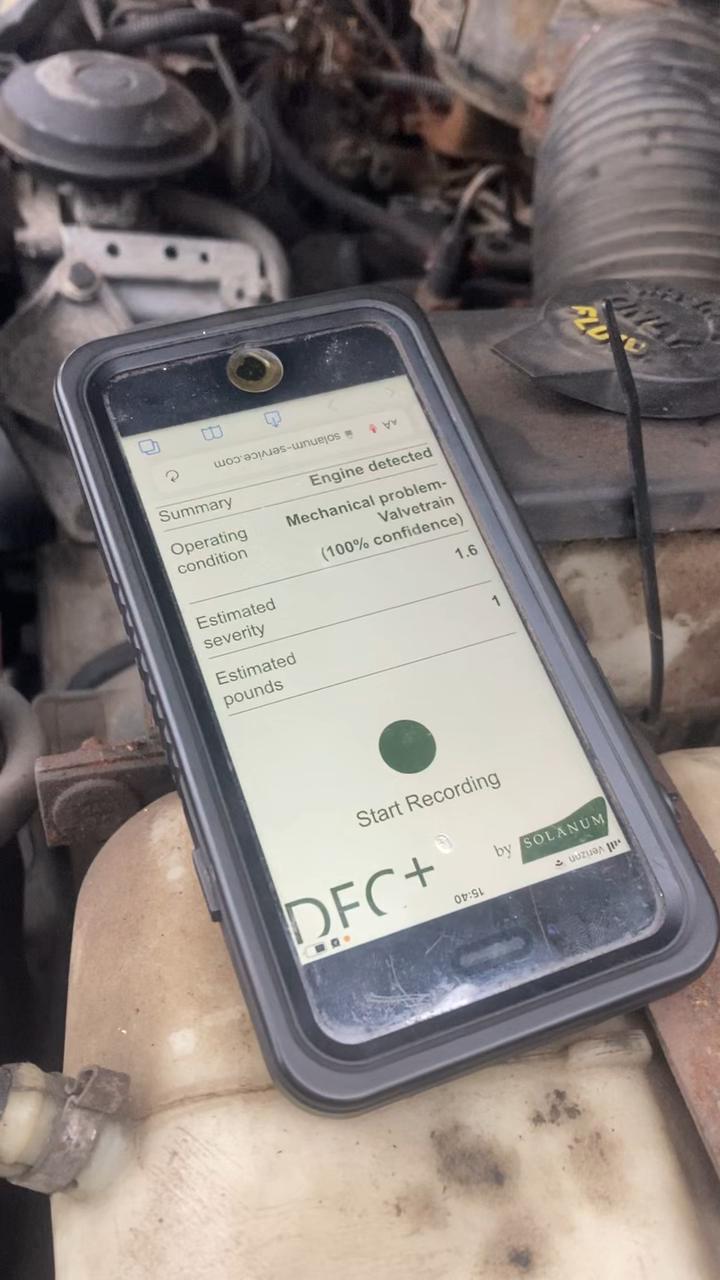
Auction lanes are loud, fast-moving, and inconsistent. DEC+ helps identify subtle combustion and mechanical patterns that are difficult to evaluate reliably by ear alone, while also helping to quickly flag inaudible engine faults. DEC+ doesn't replace formal diagnostic methods, it's for answering "is this engine OK" in 10 seconds.
Cut through auction-lane noise with fast, repeatable engine screening. Contact Solanum today to get started!

NOTE: Installation is optional. DEC+ and all of its features work perfectly well in a normal browser window.
ALL DEVICES: Visit solanum-service.com/dec .
THEN:
iOs: Tap "share" > scroll down to "Add to Home Screen" > either accept defaults or type your own name for the app > tap "Add" in upper right of dialog
Android: Tap "Menu" (3 vertical dots in upper right) > "Add to Home Screen" > "Add"
Windows: Near the right edge of the URL bar, there will be an "install app" button. Hover over the items in this area to see which is which; the exact appearance of the button varies between browsers. Click the "install app" button, then click "Install" on the dialog that appears. On some browsers, you may then be asked where to put the icons- make your selections then click "OK".
MacOs: Tap "share" > scroll down to "Add to Dock" > either accept defaults or type your own name for the app > tap "Add" in upper right of dialog
©2025 Solanum, LLC . "DEC+" and the moldboard logo are trademarks of Solanum, LLC.